Video guides · Prophecy Gov
Learn Prophecy Gov
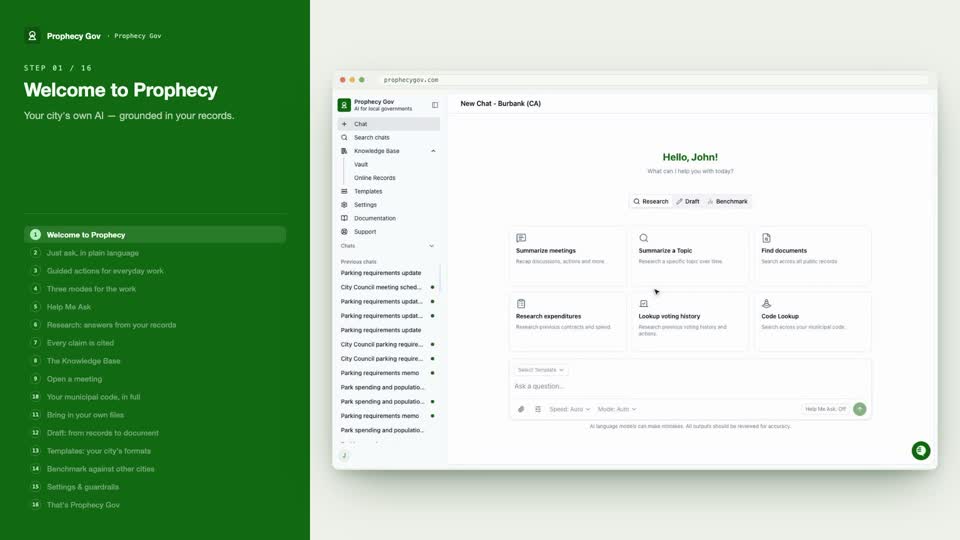
Short, focused videos on everything the platform does — asking in plain language, research with citations, drafting in your city's formats, and benchmarking other municipalities.
Feature tutorials
11 videos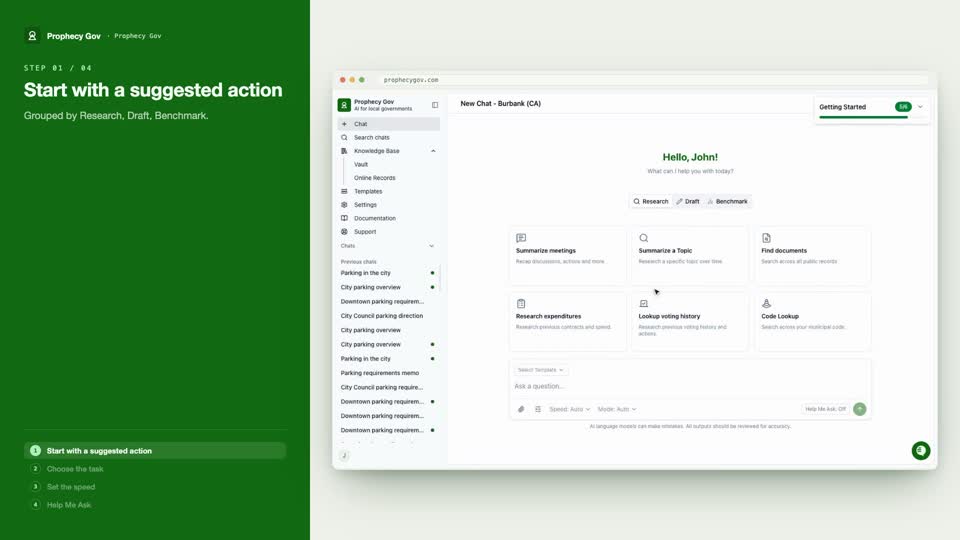
Prompting
Get precise answers
Suggested actions, task and speed controls, and Help Me Ask — how to ask so Prophecy gives you exactly what you need.
Research
Answers you can verify
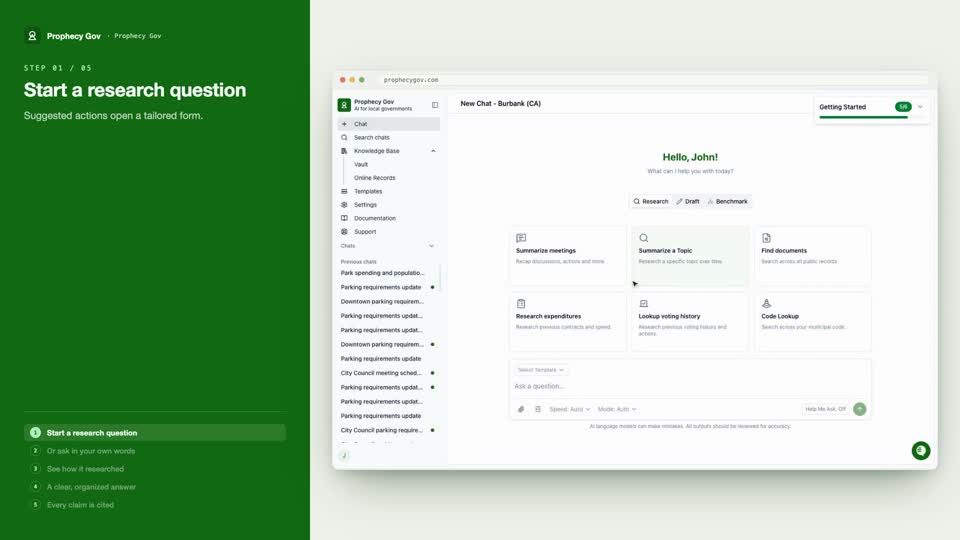
Ask a question in your own words, watch how Prophecy digs through the record, and get an organized, fully cited answer.
Citations
Verify every answer
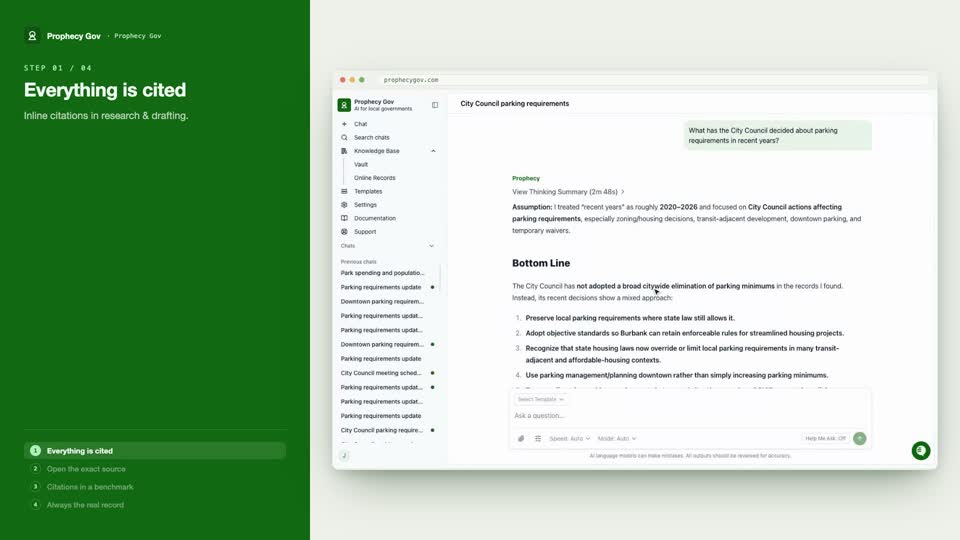
Every claim carries a citation — in research, drafting, and benchmarks. Click any one to open the real record with the passage highlighted.
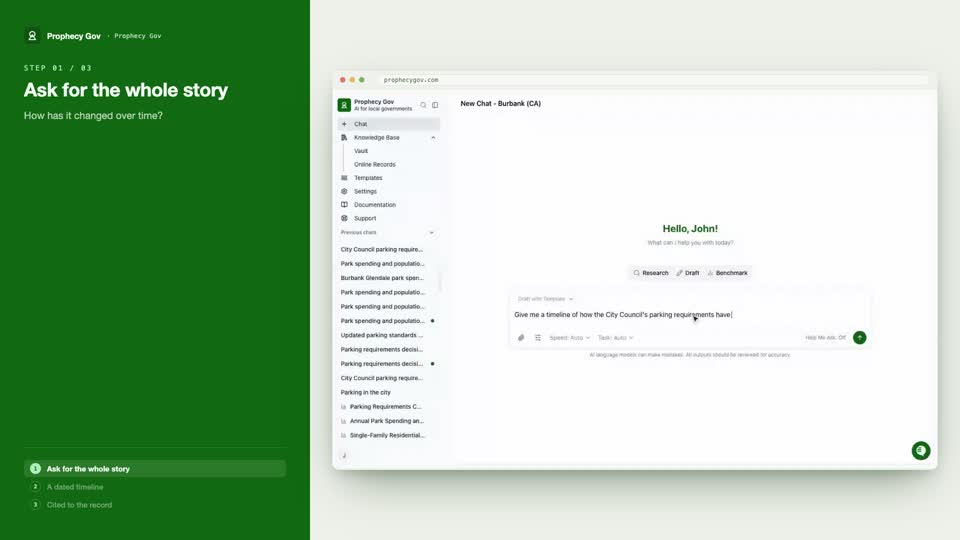
Topic History
How an issue evolved, with sources
Ask how something changed over time and get a dated timeline of every decision, each milestone cited to the original record.
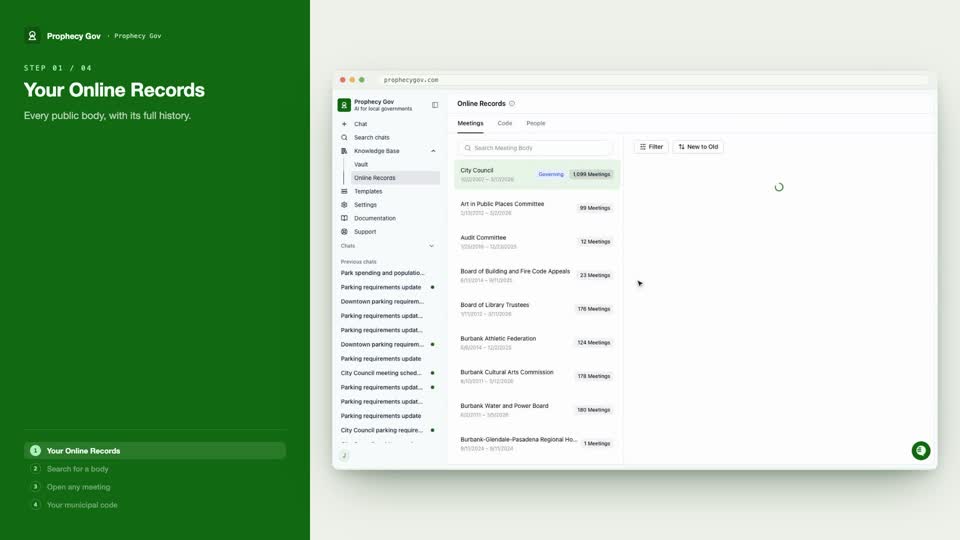
Records
Meetings and your municipal code
The Knowledge Base behind every answer — every public body's meeting history, agendas and minutes, plus your entire municipal code.
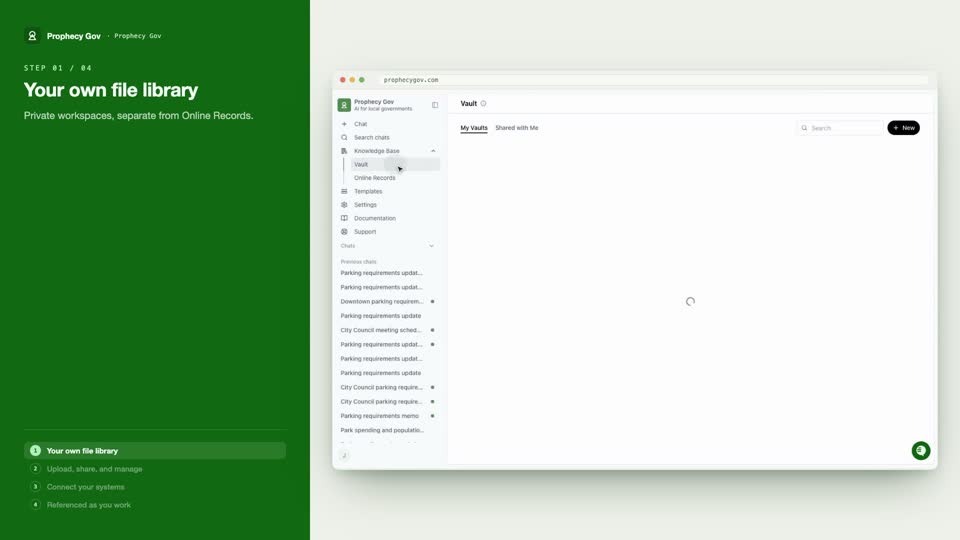
Files & Vault
Bring in your own documents
Your team's private workspace — upload and share files, connect SharePoint, OneDrive, or Laserfiche, and scope questions to just your Vault.
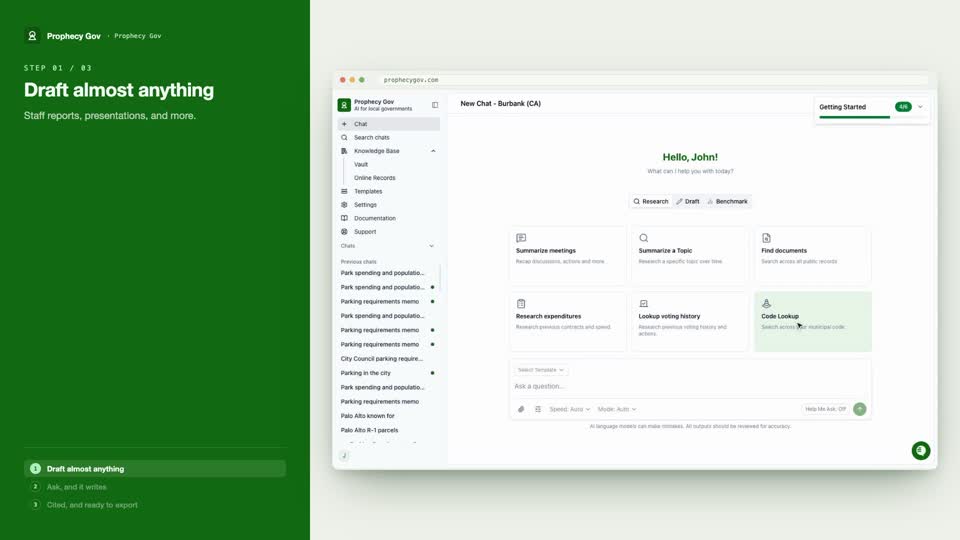
Drafting
From records to document
Describe the document you need — a memo, a resolution, a report — and Prophecy writes it straight from your records, cited and ready to export to Word.
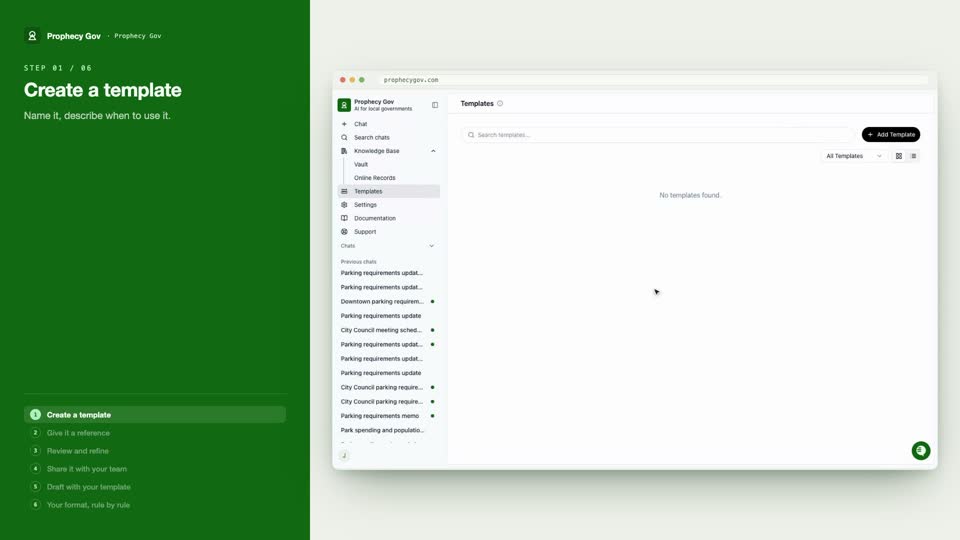
Templates
Match your city's format
Upload a real document and Prophecy learns its structure and rules — then every draft matches your city's exact format, graded rule by rule.
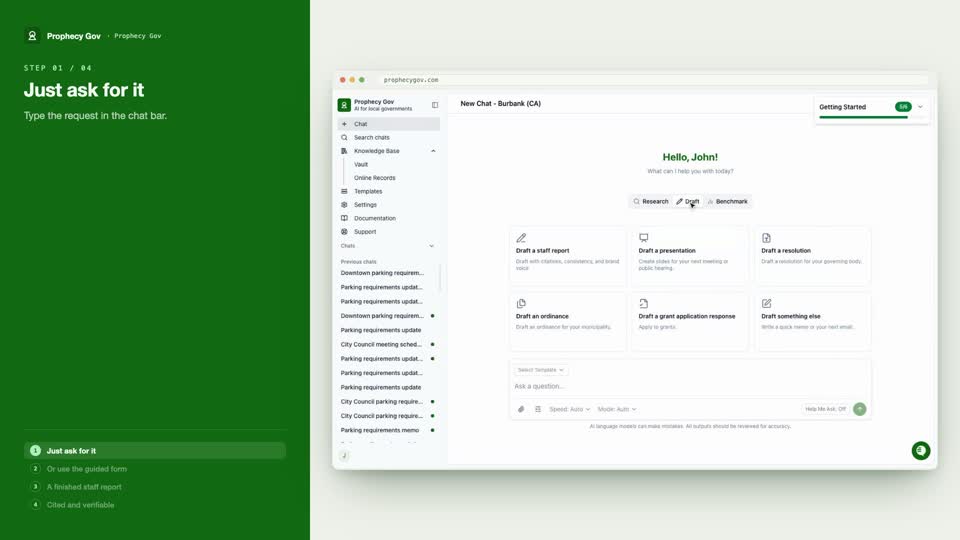
Staff Report
From a prompt to a finished document
Two ways to a complete staff report — just ask, or use the guided form — with subject, background, fiscal impact, and recommendation written from the record.
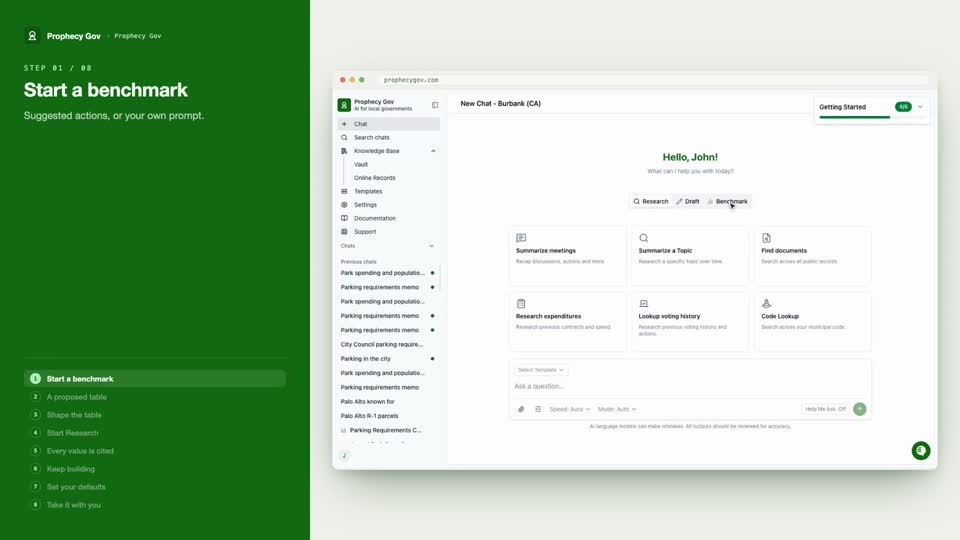
Benchmarking
Compare other municipalities
Build a comparison table across cities, fill it with real cited figures from the record, keep extending it, and export to CSV or PDF.
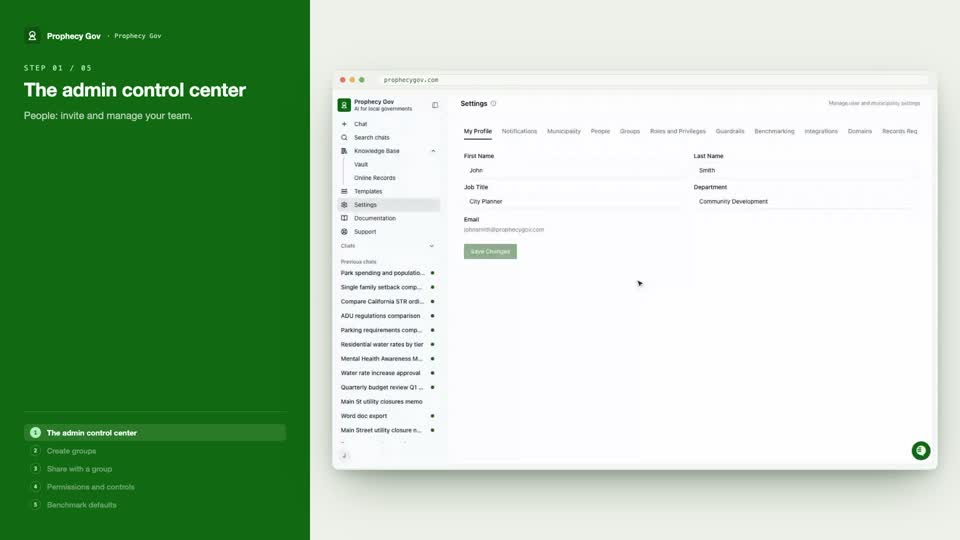
Settings & Admin
Manage your workspace
The admin control center — invite people, organize groups, set roles and guardrails, and tune benchmark defaults for the whole municipality.